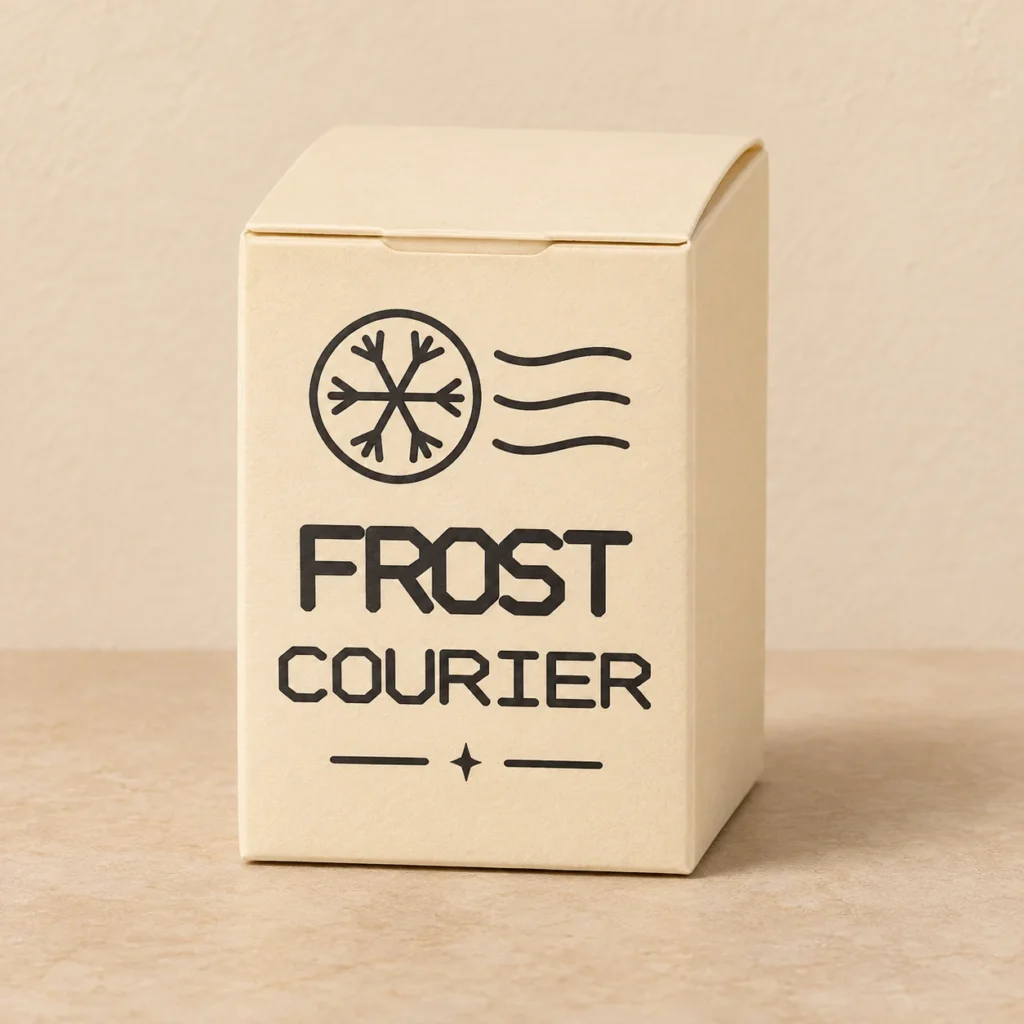
A small parcel for a winter delivery
A postmark on a tuck-top carton
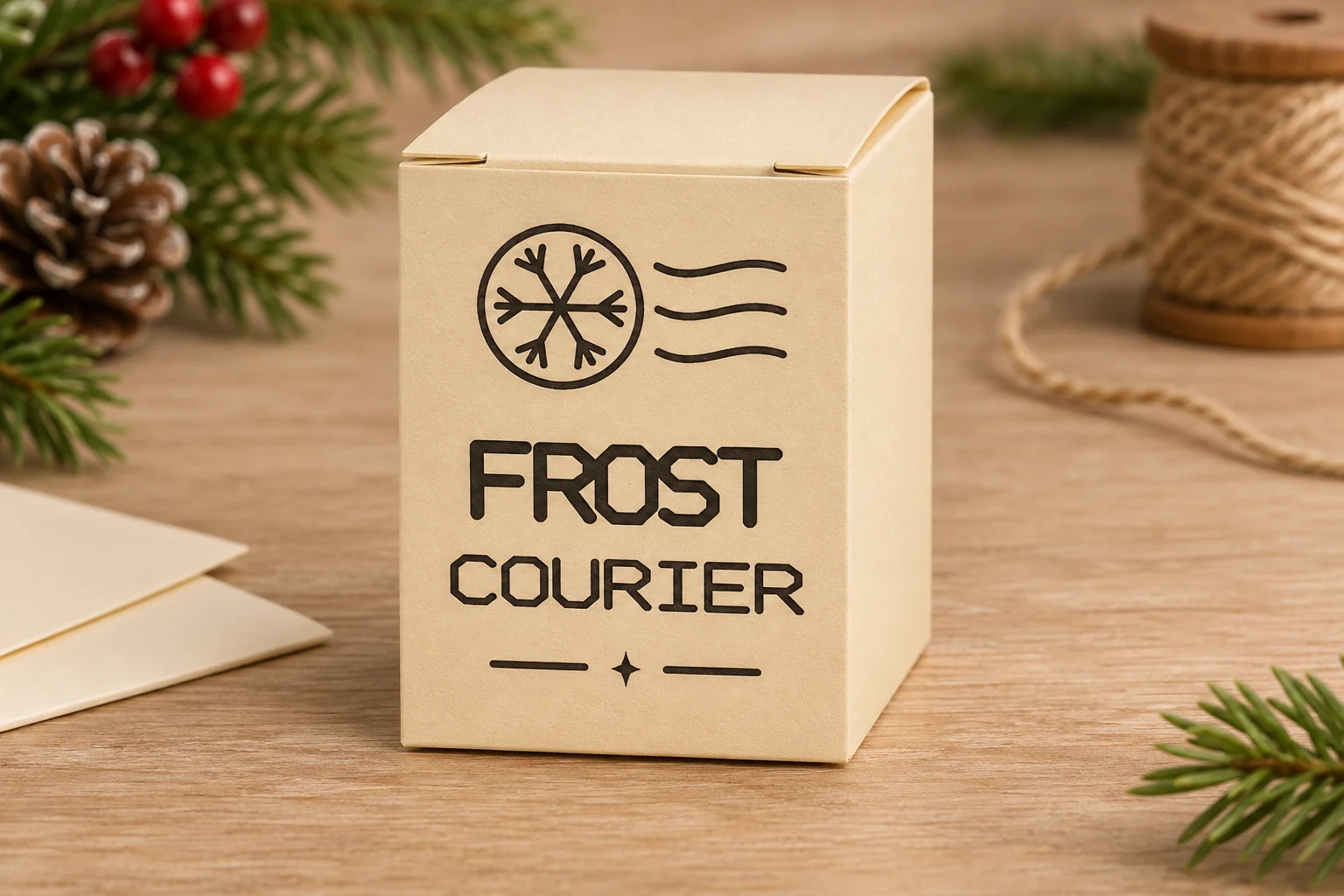
Winter Post is a Christmas favor box SVG with a tall body, a square footprint and a tuck-top closure. A snowflake cancellation stamp and the words FROST COURIER give the front the look of a small holiday delivery.
Winter Post
FROST and COURIER form two rows of outlined lettering with bevelled corners. Three wavy cancellation lines sit beside the snowflake above the words. A small star between two rules finishes the design.
Images illustrate a finished appearance. The download contains digital files only. Supply your own cardstock, tools, adhesive, closures and contents.
Size, stock and closure
| Download | box.svg, README.txt and fold-map.png in a ZIP |
|---|---|
| Nominal dimensions | 42 × 42 × 62 mm nominal body |
| SVG page | 190 × 148 mm |
| Flat cut outline | 180 × 138 mm |
| Closure | 11 mm tuck-top tongue, glued side seam and glued bottom |
| Material | Flexible, uncoated cardstock approved for the exact laser, wavelength and operation. |
| Operation colors | Red closed paths for cuts, blue open paths for folds and black filled vectors for surface engraving. |
| SKU | VD-WP-BOX |
Dimensions describe the design before stock thickness, crease radius and kerf affect fit. The lettering, where present, is supplied as outlined artwork.
From flat cardstock to a finished box
-
Check the scale and material
Extract the ZIP and import the SVG at its supplied size. Compare the millimeter dimensions in the guide with the import. Test cutting, optional engraving and optional scoring on matching scrap. Confirm that the machine and stock are suitable for each operation.
-
Assign the operations
Set red to through-cutting, blue to a tested shallow score and black fills to light surface engraving. If the paper tears or weakens on a score, turn blue paths off and crease by hand from the map. Where supported, engrave and score before cutting interior details and releasing the outer contour.
-
Fold and finish
Crease the body walls and glue the side seam. Fold and glue the bottom as shown in the map. After the adhesive cures, close the top dust flaps and tuck the lid tongue into the body. Dry-fit the top tongue and check that the corners meet cleanly before gluing the base. Put light contents inside after the adhesive cures.
The dieline was checked digitally. Make a complete physical prototype on your chosen stock before producing multiples.
Import and preview on your laser
Glowforge. Upload the SVG in the app supported by your model. Verify scale, assign red, blue and black to the corresponding operations and arrange the print steps before processing.
xTool Studio or XCS. Use the software supported by your model. Check the SVG import DPI and verify the millimeter dimensions. Test Score on scrap before using the fold layer on cardstock.
Epilog. Import the SVG in Pulse on supported models and firmware. For the vector and Dashboard workflow, confirm that the thin vector paths register as separate cutting and scoring processes and that black fills engrave.
CO₂ or diode lasers. Use an SVG-capable workflow such as LightBurn with supported equipment. Keep cutting and scoring on separate Line layers and assign the art to Fill. Cardstock suitability depends on the machine, stock color and coating. Follow your manufacturer’s ventilation, material and supervision instructions. Use settings tested on your equipment and stock.
Common questions
What comes with the digital download?
The ZIP contains box.svg, README.txt and fold-map.png. Process box.svg to make the carton. The English guide explains stock selection and assembly. The PNG shows which lines to crease.
How does the Winter Post carton close?
Fold the dust flaps inward and slide the lid tongue into the top of the carton. The side seam and bottom are glued. The nominal body is 42 × 42 × 62 mm. Check the finished fit and usable space on a prototype.
Can I use the SVG on a CO₂ or diode laser?
Use a model and application that support SVG import and the selected cardstock. Check the outline size, separate the three operations and test on matching scrap. If laser scoring weakens the paper, omit the blue paths and crease by hand.
Can I resize the design or sell the boxes I make?
Scale all parts and operations together, then check tab, closure and fold fit on your stock. You may sell finished boxes you make. See the README for terms covering the digital files.