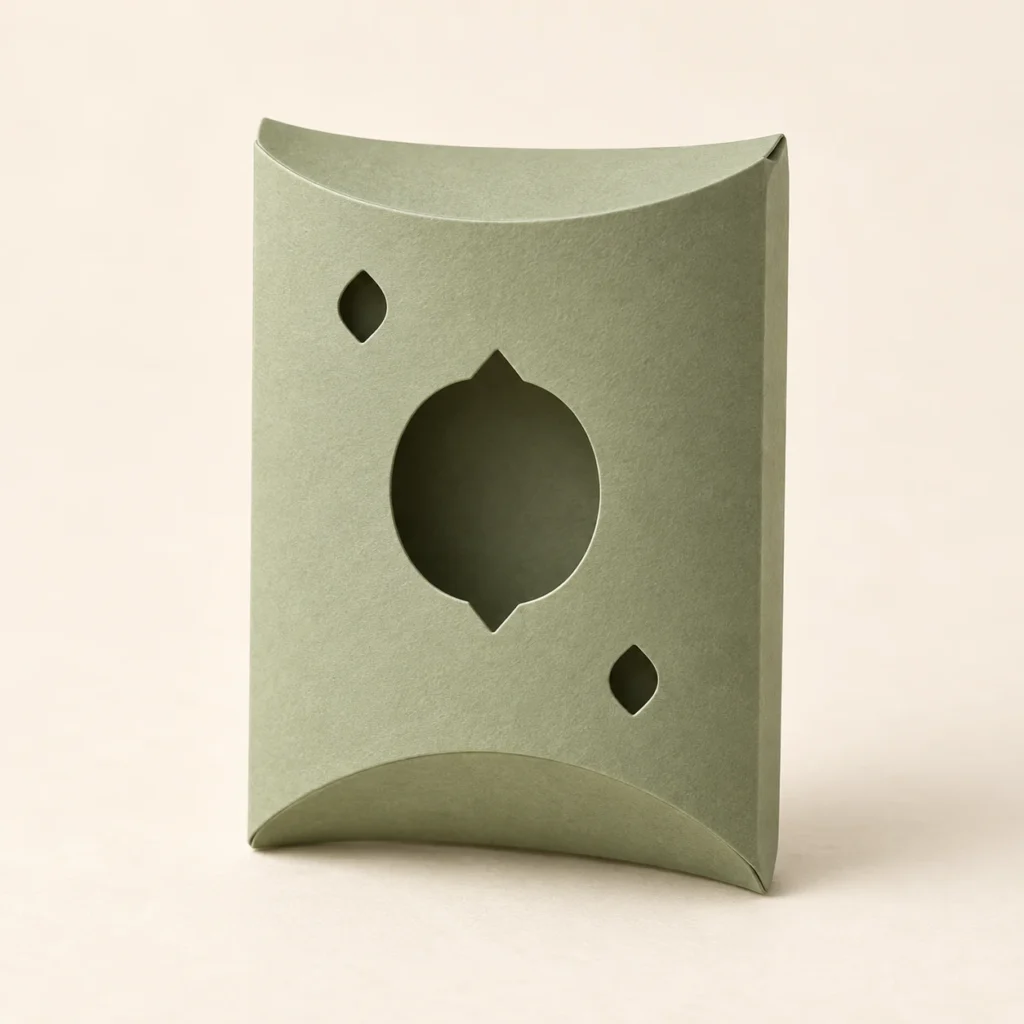
A fresh detail for a thoughtful gift.
A lemon pillow box SVG.
A little citrus sunshine.
Citrus Grove is an original lemon pillow box SVG for foldable cardstock. One whole-lemon window and two leaf windows decorate its front, while a solid back, glued side seam and four curved end flaps form the pillow-style package. The ZIP includes one scalable SVG, an English preparation and assembly guide, and an annotated fold map. Original page: 170 × 136 mm; flat artwork: 152 × 124 mm.
A slice of sunshine.
A softly folded gift.
Give a small present a bright, easy-going character. Citrus Grove brings original lemon-inspired artwork to a gently curved pillow-box form, ready for summer celebrations, party favours or a small wrapped keepsake. The cardstock and finish you choose give each finished piece its own personality.
The front has one 28 × 38 mm whole-lemon silhouette window and two 6 × 8 mm pointed leaf windows. There are no interior citrus segments, printed texture, engraving or separate decorative pieces. The back is solid. The one-piece net forms a softly curved package with overlapping end flaps, not a rigid rectangular carton.
The images illustrate a possible finished appearance. Physical packaging, cardstock, adhesive, finishing materials, contents and styling props are not included.
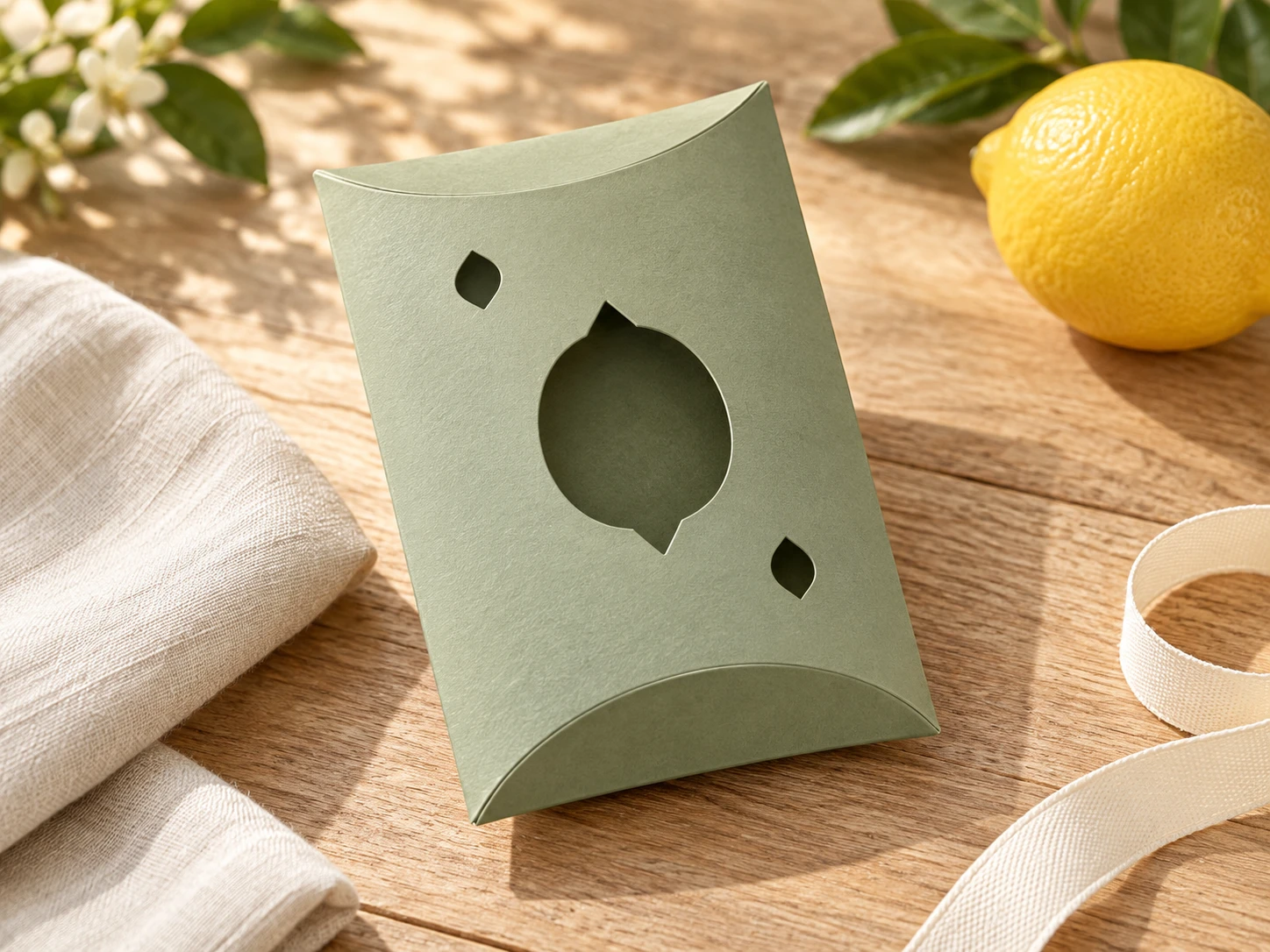
A clear layout.
A considered construction.
| Included files | One scalable SVG vector file, one English README and one annotated fold-map PNG, packaged in a ZIP archive |
|---|---|
| SVG page | 170 × 136 mm at original scale |
| Flat artwork bounds | 152 × 124 mm before stroke width; confirm the usable work area of your machine |
| Nominal flat panels | Two 70 × 100 mm panels; forming the body changes width, depth and usable length |
| Construction and closure | One glued side seam, four integral overlapping curved end flaps and no separate lid or locking slots; closure friction depends on stock and creasing |
| Glue flap | 12 mm maximum width, with tapered ends |
| Front windows | One 28 × 38 mm whole-lemon window and two 6 × 8 mm leaf windows |
| Cut operations | 4 red (#FF0000), centered 0.025 mm closed paths: outer net, lemon window and two leaf windows |
| Score operations | 6 blue (#0000FF), centered 0.025 mm open paths: two straight folds and four curved end folds |
| Finished size | No fixed finished depth, capacity or fit is specified; test the formed shape using your own stock |
| File construction | Separate CUT and SCORE groups; no engraving, fonts, linked images or embedded raster artwork |
| Intended material | Foldable uncoated cardstock approved for the exact equipment and wavelength; not a rigid wood or acrylic construction |
| Product type | Digital download only; finished packaging, stock, adhesive, contents and styling props are not included |
| Product code | VD-CG-PB |
Check. Crease.
Shape a little sunshine.
-
Confirm the complete layout
Extract the ZIP and import the SVG. Verify the 170 × 136 mm page and 152 × 124 mm artwork bounds. Both nominal flat body panels are 70 × 100 mm; these are panel references, not finished box dimensions. Check the 12 mm glue flap against the fold map. Keep all cut and score paths together.
-
Separate the operations
Assign blue folds to a separately tested shallow score and red contours to cutting. Score first, cut internal openings next and release the outside boundaries last. Alternatively, disable blue during laser work and hand-crease the guide’s folds after cutting.
-
Assemble your own sample
Pre-crease the two straight and four curved folds. Join the right glue flap under the free left edge of the front panel, with its outward face glued to the inside of the front. Let the seam cure, gently form the pillow profile and fold B1 inward before F1 at the top, then B2 before F2 at the bottom. Check the fit with your intended light, wrapped contents before making a batch.
This design has not been physically test-cut, scored or assembled. Finished fit, capacity, strength and closure performance depend on stock, kerf, fold radius, adhesive and assembly. No universal material or machine settings are supplied.
A fresh gift idea.
The practical details.
What files will I receive?
The ZIP includes citrus-grove-lemon-pillow-gift-box.svg, README.txt and fold-map.png. The SVG contains the cutting and scoring artwork. The English README covers preparation, assembly and use terms; the annotated PNG is a reference guide, not a laser-processing image.
What will I make?
A one-piece foldable cardstock pillow box with a glued side seam, four curved end flaps and a solid back. Each nominal flat panel is 70 × 100 mm; this does not specify the formed width, depth or usable capacity. There are no locking tabs, so closure depends on the stock and creases. Adhesive and any optional finishing ribbon are not included. This is a digital template, not a finished box. You provide the approved material and assembly supplies listed in the guide.
Are the lemon and leaves printed or engraved?
No. One whole-lemon silhouette and two pointed leaves are open windows cut through the front. No interior lemon segments or leaf veins are supplied as engraving or cuts. Wrap small contents separately if needed so they cannot pass through the windows; lining is not included.
How do I assemble and resize this lemon pillow box SVG?
Use the fold map to pre-crease six folds, following the curves rather than replacing them with straight creases. Form the tube and bond the outward face of the right glue flap against the inside of the front panel at its free left edge. Let the adhesive cure. Gently bow the panels into a pillow profile; close the top with B1 before F1 and the bottom with B2 before F2. The end flaps overlap without locking slots. Test closure friction and add your own removable band or ribbon if your use requires it. Scale the complete design proportionally when resizing; the windows, tabs, holes and fold allowances change too. Assemble a new prototype before producing a batch.
How do I prepare the file for Glowforge, xTool or Epilog?
Glowforge: Upload the SVG, check the 152 × 124 mm artwork and usable work area, then assign red to Cut and blue to separate Score settings. Review the preview.
xTool Studio/XCS: Use software supported by your model. SVG import DPI can affect scale; verify dimensions. Assign red Cut and blue Score separately and test shallow scoring.
Epilog: In Illustrator, use centered 0.025 mm strokes and separate score/cut settings. Follow your exact model’s driver or Dashboard guidance.
Other CO₂/diode systems: With a supported controller, import into LightBurn and use different Line layers for red cutting and blue shallow scoring. Check Preview. Laser source alone does not establish controller or material compatibility.
If a suitable shallow laser score is unavailable, disable output for the blue SCORE group, cut only red contours and hand-crease using the fold map. Do not process the guide PNG as an engraving.
Which cardstock and settings should I use?
Confirm the stock and any coatings with its manufacturer and your exact machine’s documentation. Glowforge’s material guidance explains why approval depends on the actual paper and laser.
Test cutting and shallow scoring on scrap, then assemble a prototype. Add adhesive and finishing materials after laser processing. Follow ventilation and continuous supervision guidance. No universal thickness, power, speed or pass count is provided. The design is not represented as food-safe, waterproof, shipping-rated or suitable for heavy contents.
Can I sell physical boxes I make?
Yes. Personal projects and sales of finished physical boxes you make are permitted. Do not resell, share or redistribute the digital files or modified digital versions. See the README for usage terms. Physical materials, contents and styling props are not included.