Morning prayer
Let Prayer Open the Day
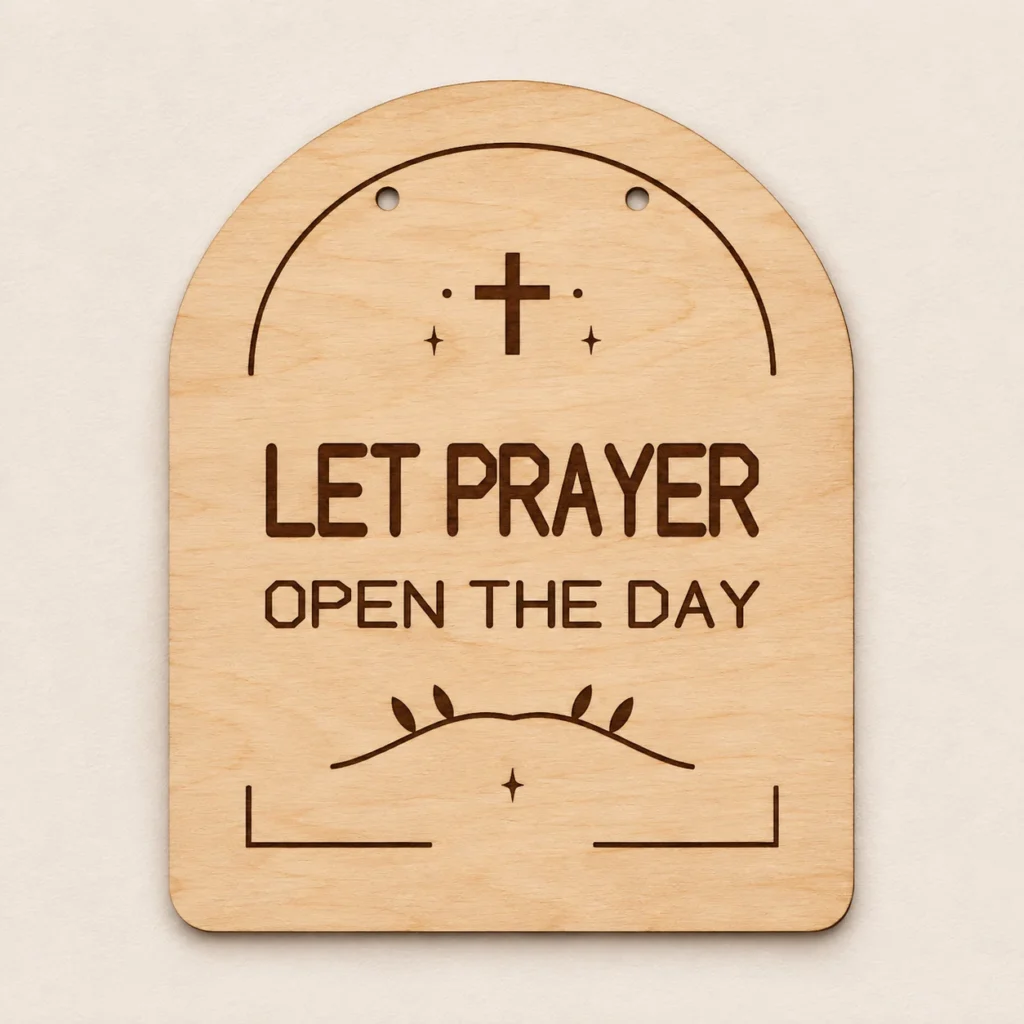
Quiet Amen is a Christian prayer sign SVG with original LET PRAYER OPEN THE DAY lettering on an upright arch. Cut and engrave the one-piece plaque for a prayer corner or an indoor wall display.
Two lines on a rounded arch
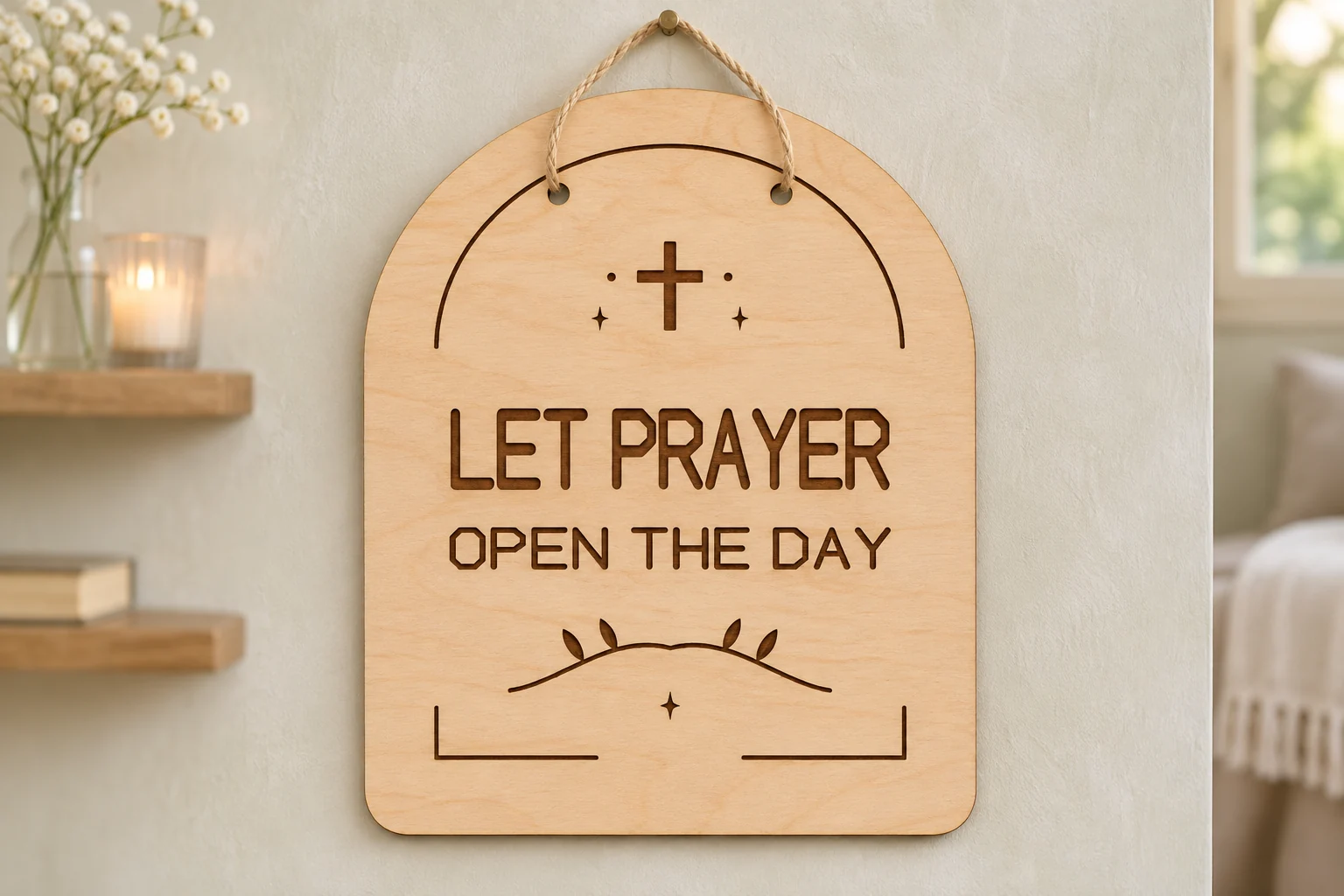
LET PRAYER sits above OPEN THE DAY, with a small cross above the first line and a leaf flourish below the second. The inset arch follows the outline and leaves room for the paired mounting holes.
The ZIP contains digital files. Supply your own wood, finish and display hardware.
Size and operations
| Download | design.svg, README.txt and design-map.png in a ZIP |
|---|---|
| Cut footprint | 145 × 180 mm |
| SVG page | 155 × 190 mm |
| Profile | Upright arch plaque |
| Display mounting | Two Ø5 mm holes, 53 mm apart on center and 25 mm below the top of the outline. Supply your own cord or hardware. |
| Red cut paths | One closed outer profile and two mounting holes, all with centered 0.025 mm strokes. |
| Black engraving | Two lines of outlined lettering, cross, inset arch and leaf flourishes. |
| Stock | Use uncoated plywood approved for the exact laser and operation. Use nominal 3 mm stock where your machine and the material allow it. |
| SKU | VD-QA-SGN |
Dimensions refer to the vector geometry before kerf. Keep any required clearance around the profile on your usable laser bed.
From the SVG to the finished sign
-
Import and confirm size
Extract the ZIP and open design.svg at its supplied scale. Confirm a height of 180 mm across the outer profile and preview both hanging holes. Check that the letters appear in the engraving pass.
-
Assign the operations
Assign red centerlines to through-cutting and black filled shapes to engraving. Engrave first, cut any interior openings next and release the outer profile last when your software supports that order. Test kerf, detail and cut depth on a coupon from the same stock.
-
Check the display fit
Measure the finished holes after the prototype cut. Choose cord or fasteners that suit the finished sign's weight and the mounting surface.
The vector geometry was checked digitally. Cut a physical prototype to confirm your settings, the small details and the display fit before producing multiples.
Prepare the file for your machine
Glowforge. Upload the SVG and confirm its outline size. Assign red to Cut and black fills to Engrave. If interior and perimeter cuts appear in one step, give the perimeter a separate stroke color in a working copy and place that Cut step last. Glowforge SVG upload · Glowforge operation order
xTool Studio or XCS. Use the software supported by your model. Confirm the outline in millimeters and check the SVG import DPI if the size differs. Set red vectors to Cut and black fills to Engrave. xTool vector import guide
Epilog. Open the SVG with Pulse on supported models and firmware. In a supported vector editor and Dashboard workflow, retain the centered 0.025 mm cut strokes and confirm that the driver reads them as vector cuts. Route the black fills to engraving. Epilog Pulse setup guide · Epilog Dashboard vector jobs
CO₂ or diode lasers. Use software that supports SVG and your controller. In LightBurn, use Line mode for cutting and Fill mode for engraving. Verify your machine supports the plywood and its adhesive, test on matching stock and follow the manufacturer’s exhaust and supervision instructions. LightBurn SVG import · LightBurn cut modes
Common questions
What comes with the digital download?
The ZIP contains design.svg, README.txt and design-map.png. Process the SVG and use the guide and design map to check the operation assignments. Supply your own wood and display hardware.
Will the prayer sign take a hanging cord?
Two 5 mm diameter holes are part of the cut. They are 53 mm apart on center at the supplied size. Measure the post-cut holes and select the cord to suit your finished plaque.
Can I use this SVG with a CO₂ or diode laser?
Use SVG-capable software that supports your controller. Check the plywood's thickness and adhesive against your machine's material guidance. Compare the profile with your usable bed and test the cut and engraving on matching scrap.
Can I resize the design or sell finished pieces?
Scale all vectors together. Recheck detail size, any mounting clearance and the strength of the narrowest connections. You may sell finished physical pieces you make. See the README for the digital file terms.