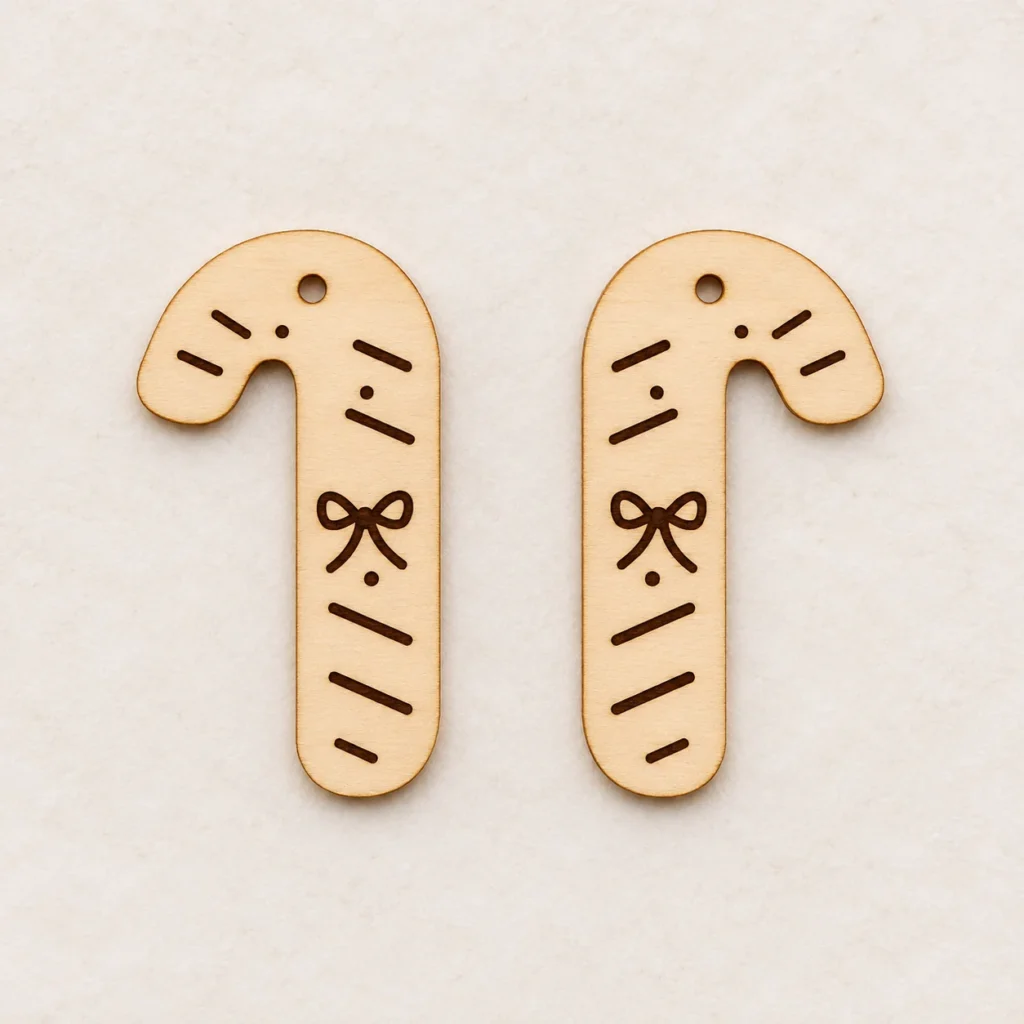
Mirrored candy canes with tiny bows
Opposing candy cane curves
Sugar Ribbon is a candy cane earrings SVG for a mirrored pair of wooden Christmas drops. A tied bow, stripes and small dots engrave on each face. The two candy cane profiles turn in opposite directions when the drops are laid face up.
Bows and stripes that follow each curve
The cut profile gives each drop the rounded end of a candy cane. The surface stripes follow its sweep and leave room for the bow below the curve. Mirroring the artwork keeps the engraving arranged consistently on both sides of the pair.
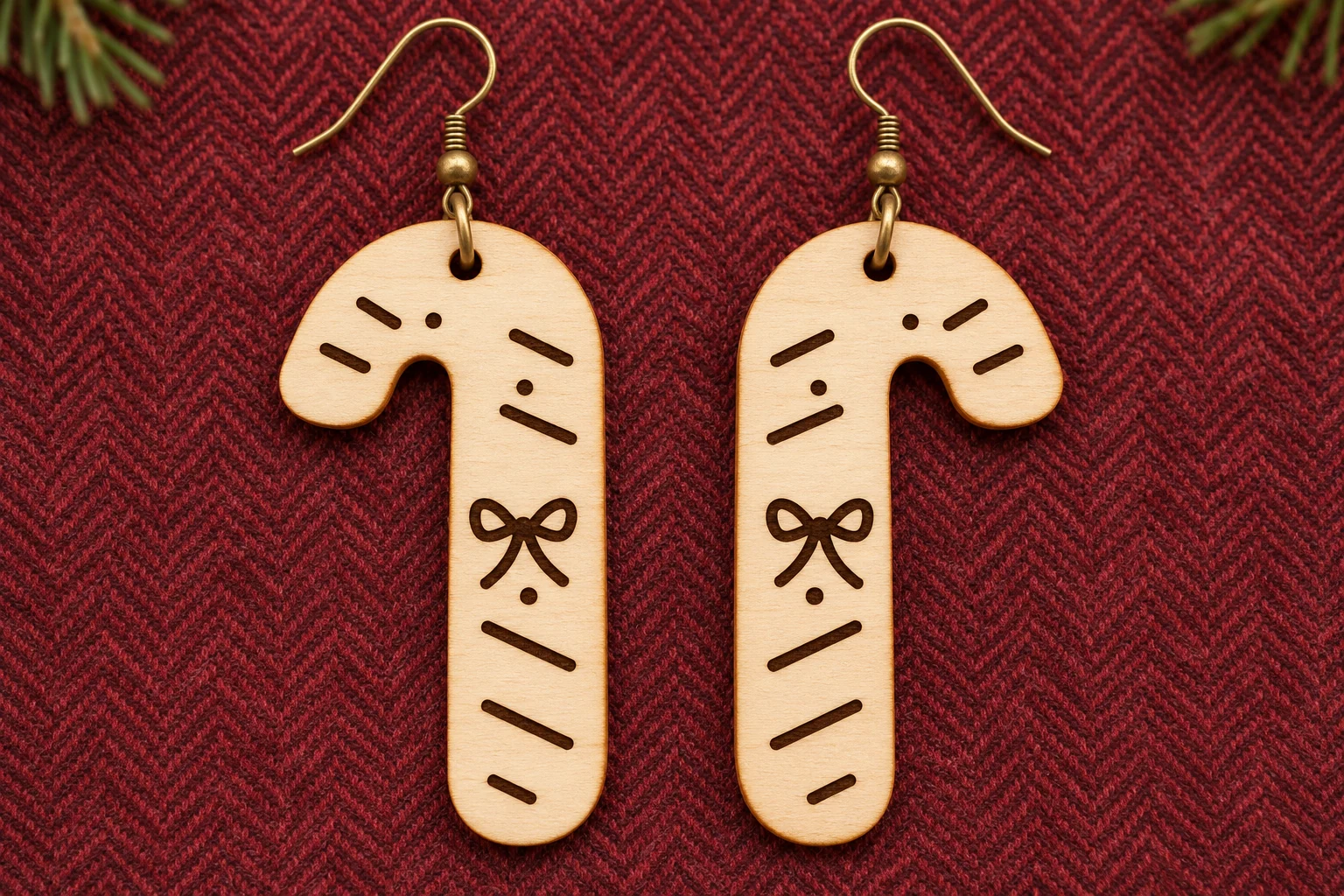
Images illustrate a possible finished appearance. The download contains digital files. Supply your own stock, hardware and finishing materials.
Size, cut paths and mounting
| Download | design.svg, README.txt and design-map.png in a ZIP |
|---|---|
| Cut profile | Mirrored pair of curved candy cane drops, 21 × 39 mm per drop |
| SVG page | 62 × 49 mm |
| Hardware holes | One 2 mm round upper cut hole per drop |
| Red cut paths | Four closed red contours for two outer profiles and two hardware holes. Centered 0.025 mm strokes. |
| Black engraving | Engraved stripes, dots and a tied bow on the mirrored drops |
| Material | One layer of uncoated plywood approved for the exact machine and operations. Nominal 2–3 mm stock is a prototype starting point where supported. |
| SKU | VD-SR-EAR |
Dimensions describe the vector geometry before kerf. The finished hole diameter and remaining material depend on stock and machine settings.
Cut, engrave and fit the hardware
-
Import and check scale
Extract the ZIP and import design.svg at its supplied size. Keep the mirrored drops together at the supplied scale. Check the two hardware holes, the narrow areas near the curve and the small engraved dots on matching scrap.
-
Assign each operation
Set the black fills to engraving and the red paths to through-cutting. Where your software supports it, engrave first, cut the holes and any inner openings next, then release the outer profiles.
-
Check the finished fit
Add your own jump rings and earring hooks after machining. Lay the drops face up before attaching the hooks so you can confirm the mirrored arrangement.
The geometry was verified digitally. Make a physical prototype to check cutting, engraving contrast, material strength and hardware fit before producing multiples.
Prepare the SVG for your laser
Glowforge. Import the SVG in the app supported by your model. Verify the cut size, set black to Engrave and red to Cut, and preview the operation order.
xTool Studio or XCS. Use the software your machine supports and check the SVG import DPI. Confirm the size in millimeters. Assign the black fills to Engrave and the red vectors to Cut.
Epilog. Use Pulse SVG import on supported models and firmware. In a vector editor and Dashboard workflow, retain the centered 0.025 mm red strokes and confirm that they register as vectors. Route black fills to engraving.
CO₂ or diode lasers. Use an SVG workflow such as LightBurn with supported equipment. Use a cutting Line layer for red and an engraving Fill layer for black. Confirm the selected stock is suitable for your wavelength and test on scrap of the same material. Follow your machine’s exhaust and supervision instructions.
Common questions
What comes with the digital download?
The ZIP contains design.svg, README.txt and design-map.png. Use the SVG for machining. The PNG explains the operation colors and the English guide covers setup and fit. Supply your own wood and hardware.
Are the two Sugar Ribbon drops mirrored?
Yes. The two 21 × 39 mm drops are arranged as opposing candy canes on one 62 × 49 mm SVG page. Their stripes, dots and bows are engravings.
Can I use the file with a CO₂ or diode laser?
Use the SVG workflow supported by your controller. Check that the machine manufacturer approves your plywood, including its glue and thickness. Verify the imported size and test both operations on matching scrap.
Can I resize the design or sell the pieces I make?
Scale all cut and engraving paths together and check the hardware fit and remaining wood around the holes. You may sell finished physical pieces you make. See the README for the digital-file terms.